The Carta Experience: Employees
What do I need to know about Carta’s employee experience?
Investing in your employees’ equity experience has a lasting impact on your company’s future. We’ve created a comprehensive guide to help you understand and shape a positive employee experience. Below, you’ll find everything you need to know about what your employees can expect on Carta.
We recommend sending our 'Heads up’ email to employees. This includes an introductory video and resources outlining the basics of getting started
Registering a Carta account & accepting securities
Once your company issues equity awards and they are signed by the necessary officers, employees will receive an invitation to register on Carta.
If they have previously registered, they will be prompted to login and accept their awards
BEFORE ACCEPTING: Employees can review the details of their award(s) and report any discrepancies directly to the company administrator
ACCEPTING A SECURITY: First, employees are required to read the terms and all attached documents. Then, they are required to provide an electronic signature.
WHY IT MATTERS: It is necessary for employees to accept their awards. Until they accept, they are unable to use any additional features like submitting an electronic exercise request.
If an employee is unable to register or accept awards, direct them to our Support team for technical help
What employees manage vs. what admins manage
What employees manage
The email address registered to their account
E-signature
Backup email address
Who can access their personal portfolio & holdings
Payment information
Email notification settings
Basic information such as name, birthdate & current address
Initiating exercise requests
Filing Form 3921 Copy B or 83(b) election form
What admins manage
The email address for communication regarding their holdings at your company
All award details
Basic information pulled from HRIS integration (if applicable)
Start date/termination date
Approving/denying exercise requests
Generating Form 3921 Copy B (if applicable)
Direct your employees to our Support team for any questions or help needed with their account
Types of emails employees receive from Carta
A common question asked by company admins is, ‘What emails will my employees receive from Carta?’.
We’ll communicate essential tasks and updates, so you don’t have to.
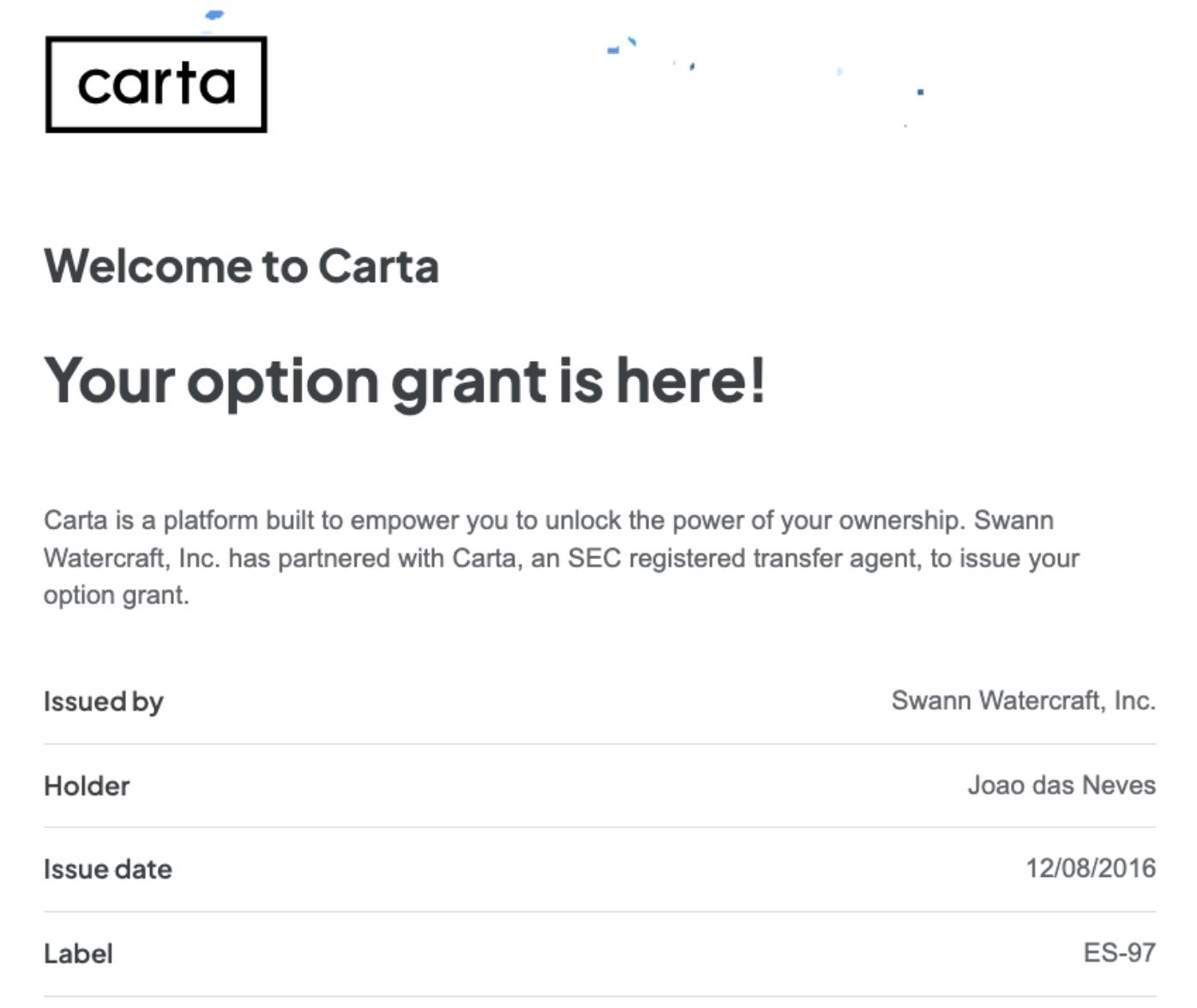
TYPES OF EMAIL COMMUNICATION:
Account verification
Reminders for security acceptance or option grant actions
Notifications on updates (e.g., password resets, company name change, communications sent through Carta)
Reminders for option expirations or vesting events
With security and compliance as a top priority, only certain modifications to securities will trigger an email to employees. Before finalizing changes, Carta will inform you whether or not an email will be sent.
Carta will not communicate any sensitive company information such as a new financing event or closing of your account
How employees exercise their options
Through Carta, employees can model different exercise scenarios, submit electronic exercise requests, or access the necessary documents needed for manual processing. Let's dive in:
EXERCISE SIMULATOR: Employees can use the simulator to estimate exercise costs by adjusting the exercise date to view potential vesting and exercise quantities
EXERCISING VIA ACH: This is the preferred method for US option holders for companies that have enabled online transactions
Employees submit an exercise request in-app by confirming residency, electronically signing the necessary documentation and providing their ACH information
Once approved by a company administrator, the funds are withdrawn
After the funds have been verified, the resulting certificate is automatically generated and sent to company officers for signature
EXERCISING VIA WIRE: This option is for non-US option holders
Employees submit an exercise request in-app by confirming residency and electronically signing the necessary documentation
Once approved by a company administrator, employees receive an email notification regarding wire instructions. In Carta, they’ll be prompted to provide the date and (optionally) a transaction reference number.
Once funds have been received and confirmed by the company admin, the resulting certificate will be created
MANUAL EXERCISE REQUESTS: Exercising manually does not require employees to set up a bank account or electronic signature within Carta
Employees print out the necessary documents attached to their equity award(s) and process the transaction offline
After offline transaction is complete, company administrators will then initiate the manual exercise in Carta
The date in which an exercise request is submitted by an employee is considered the exercise date
Keeping track of tax information
Employees can find tax forms related to their equity in their personal Carta account during tax season under the Tax Documents section. Below, are the different tax forms an employee can find on Carta:
WHAT IT IS: This form is for employees who exercise incentive stock options (ISOs). It reports crucial information to the IRS including the exercise price, fair market value, and the exercise date.
WHY IT MATTERS: The IRS uses this information to ensure that employees properly report any potential tax implications, particularly for Alternative Minimum Tax (AMT).
HOW IT WORKS: After your company has generated and delivered Form 3921’s in Carta, employees receive an email notification directing them to print or download the form(s). Any forms generated in Carta will be stored in their personal portfolio under the tax documents section.
83(b) ELECTION:
WHAT IT IS: A tax form only for early exercisable grants. With an 83(b) election, employees can choose to pay taxes on the stock’s value at the time of the grant, even though the stock hasn’t vested yet.
WHY IT MATTERS: This can help reduce their overall tax burden if the stock has increased in value. By locking in lower tax rates on future gains, this can result in significant tax savings for employees.
HOW IT WORKS: Carta automatically recognizes when a grant is eligible for 83(b) election. Employees can choose to generate this form during the exercise request to print and send it to the IRS themselves.
Integrating your HRIS system streamlines the process for adding and managing stakeholders
Resources to share directly with your employees
Below you will find a list of additional resources for employees to help them navigate and use Carta:
Employees can contact our Support team at anytime if they have questions or experience technical issues