Set exercise windows for your option holders
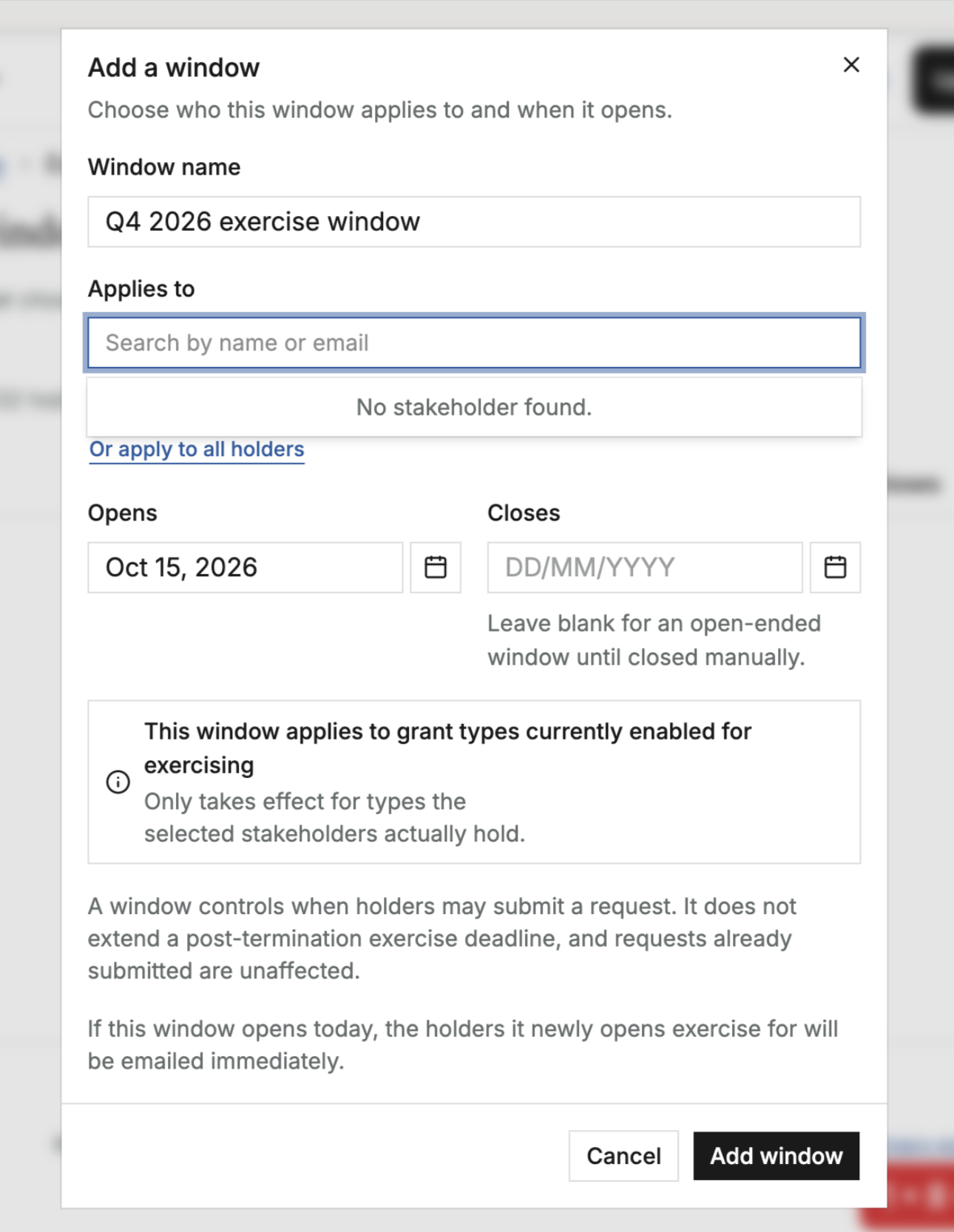
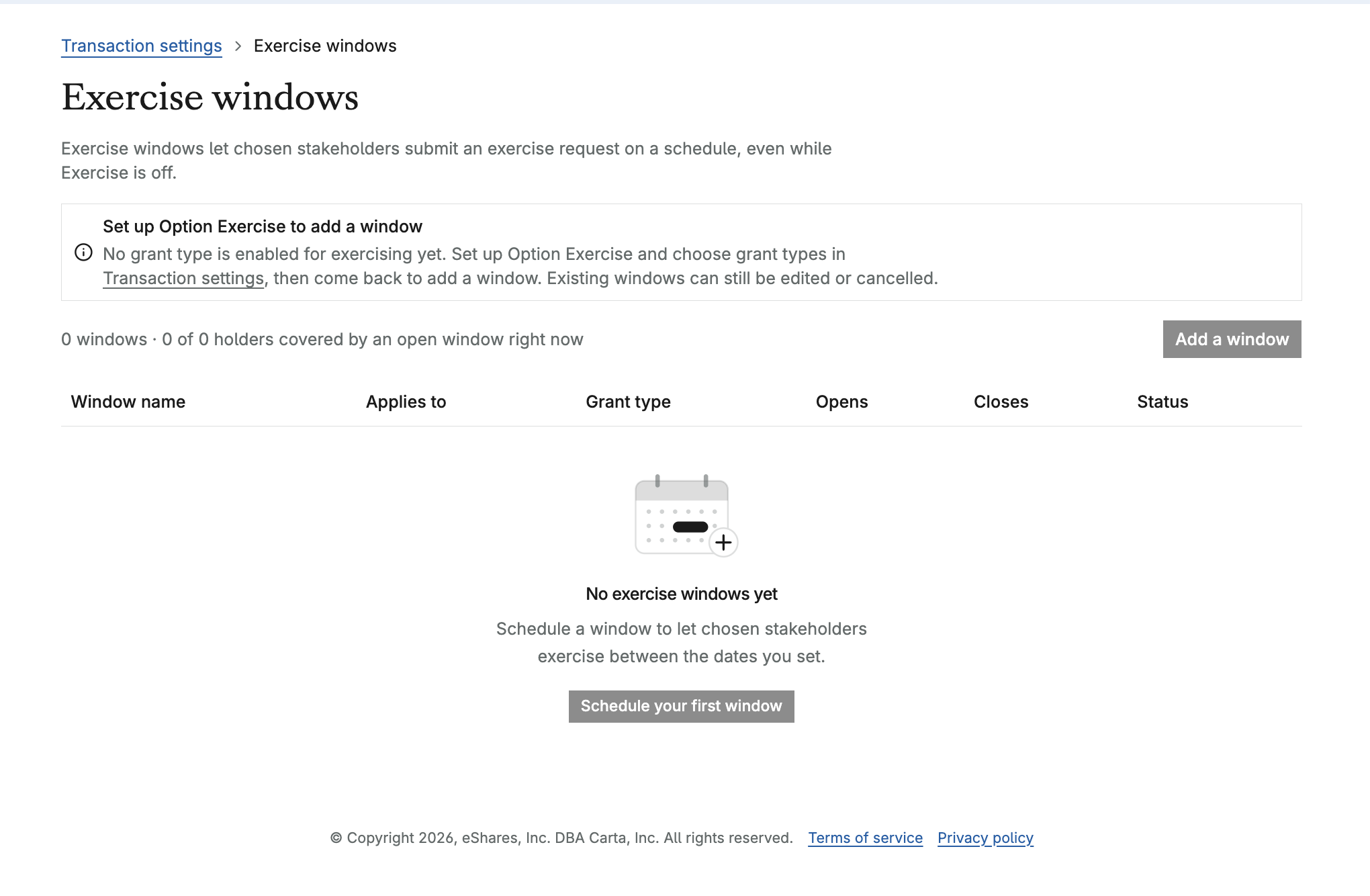
Admins can now schedule when option holders are able to exercise, so everyone knows exactly when they can submit a request. This is especially helpful for equity plans outside the US that only allow exercise during specific periods.
Company-wide windows: set start and end dates and choose which option types are eligible
Individual windows: give a specific person their own window, such as a 90-day exercise period after leaving the company, right from offboarding or the stakeholder list
Clear status for holders: they can see whether a window is open, when the next one starts, and a "closing soon" banner on the web portfolio, the exercise flow, the exercise simulator, and the mobile app
Automatic reminders for window opening, a 7-day warning, the final day, closing, and cancellation. People who have already submitted a request are skipped
A full change history for every window created, edited, or cancelled
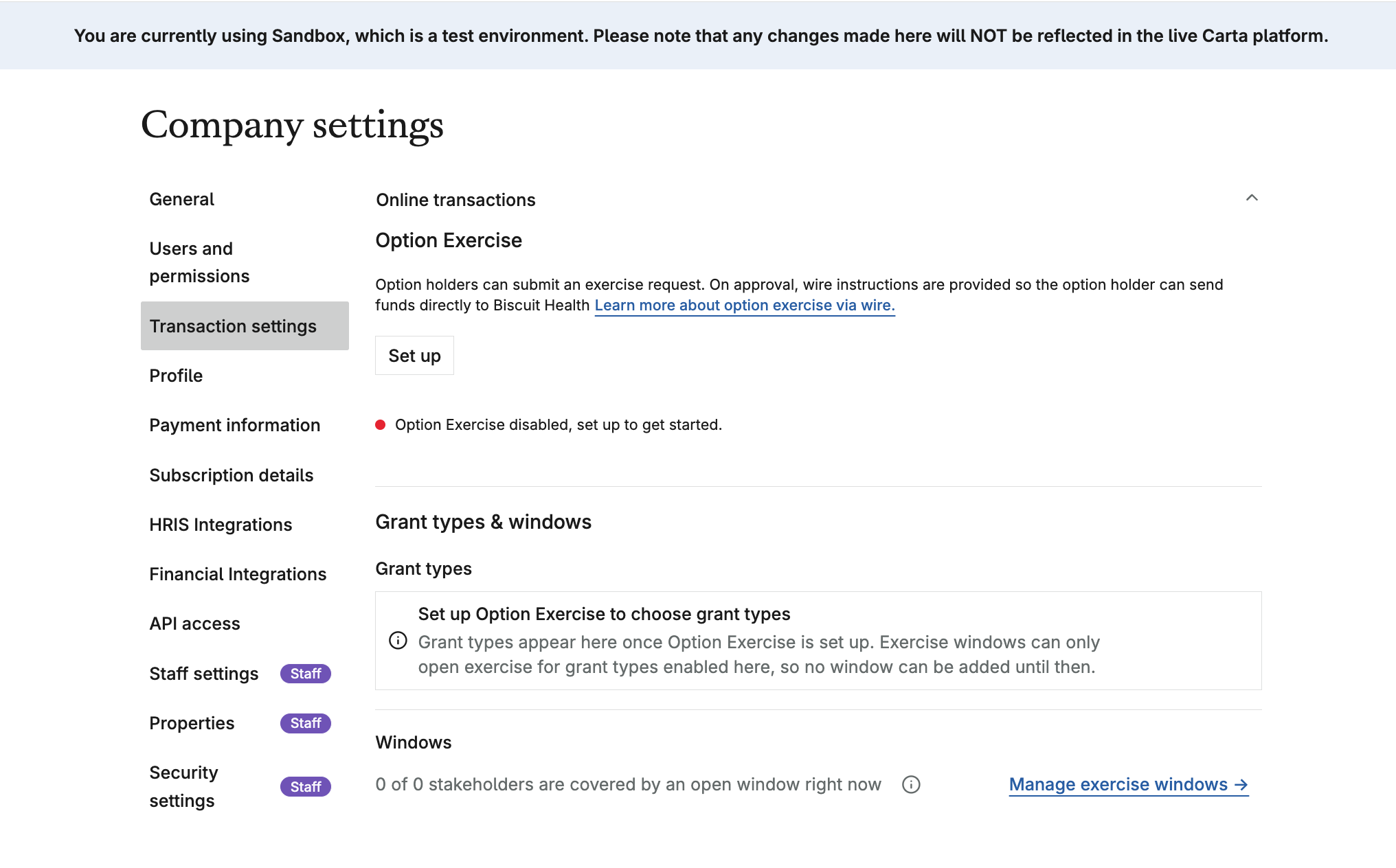
This is optional. If your company keeps exercise open all the time, nothing changes. Options still need to be vested to be exercised, and requests submitted before a window closes will still be processed. Company Editors and Legal Administrators with full access can manage windows. A small number of jurisdictions are not supported at launch.
Have questions or feedback? Share them in the comments.