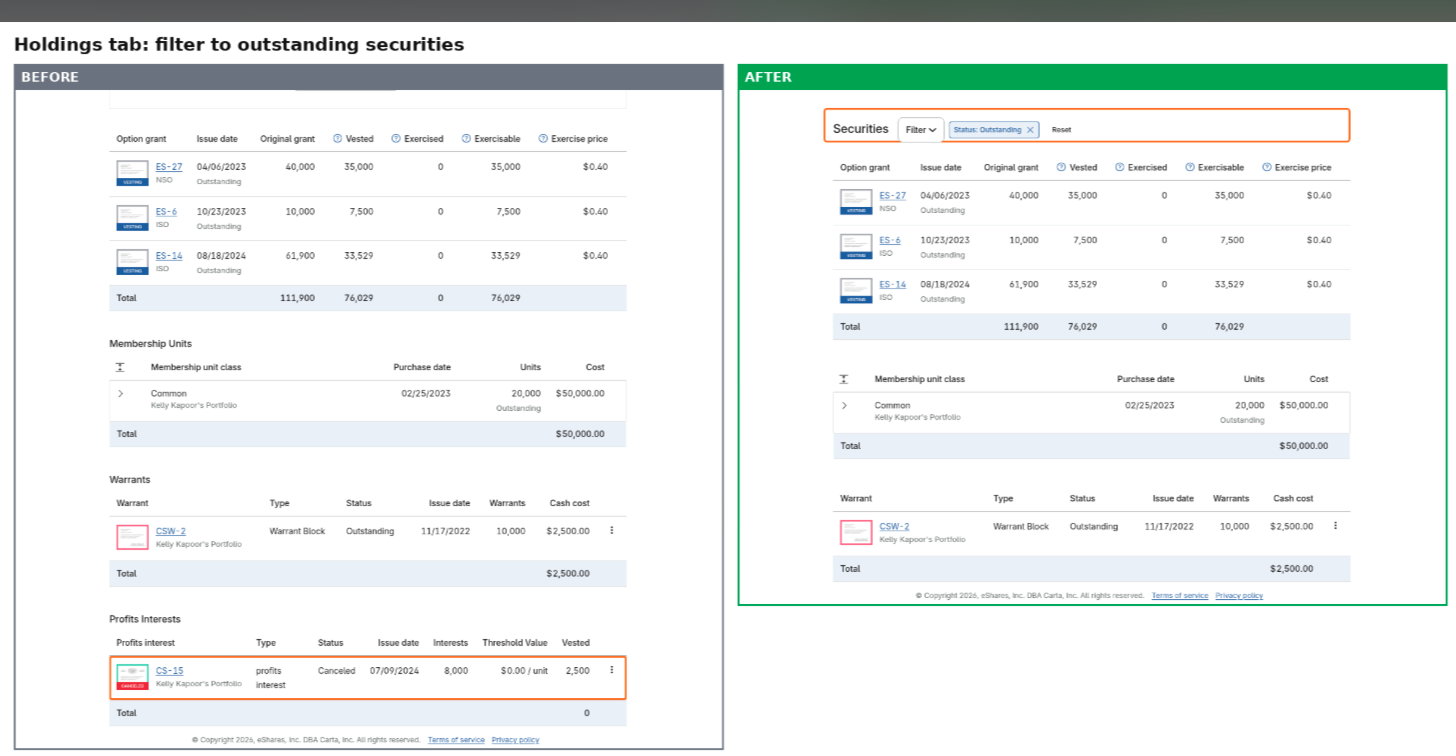
See only what you still own on the Holdings tab
If you have a long equity history, the Holdings tab in your portfolio just got easier to read. You can now filter to show only the securities you still hold.
Open a company's Holdings tab, choose Securities, then Filter, then Status, then Outstanding
Cancelled, expired, fully exercised, transferred and repurchased securities are hidden
It works across every security type at once, including option grants, shares, RSUs, RSAs, SARs, warrants, convertibles and equity grants
Totals update to match what is on screen, and a security type with nothing outstanding drops off the list
This is available for personal portfolios, and it is live now.
Have you tried it yet? Tell us what you think in the comments.