Paybands improvements
What's new?
We have made two improvements to paybands to make setting and updating bands easier:
Reset bands - you can now reset paybands based on your current Compensation Plan...
Automatic calculations for minimums and maximums...
How do I reset paybands?
Navigate to the Paybands page
In the upper right corner, click the "Reset paybands" button
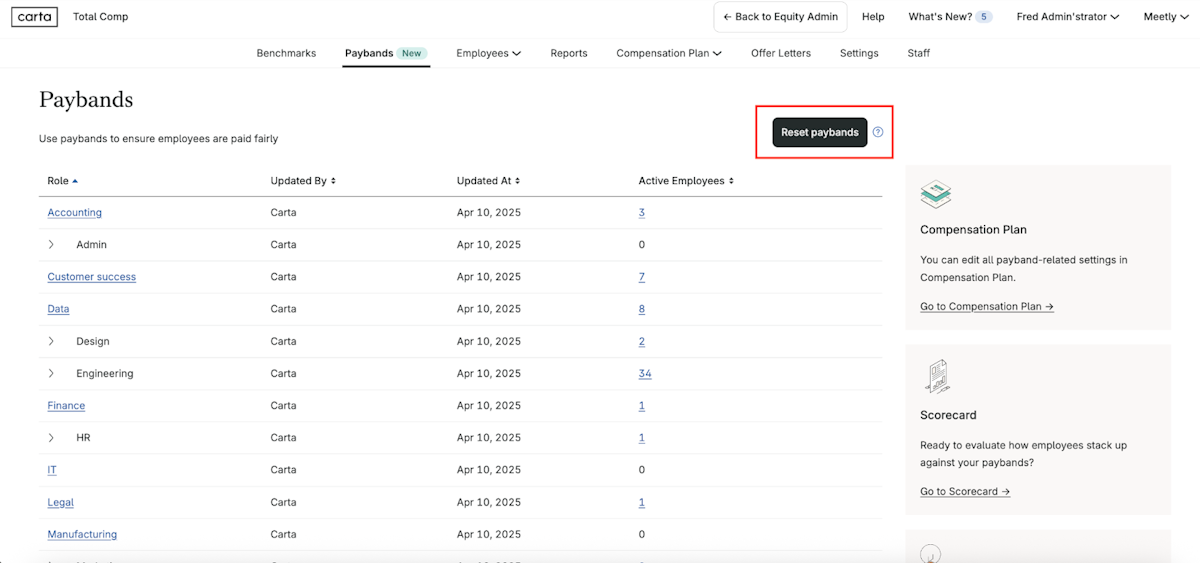
After clicking Reset paybands you will be asked to confirm your choice. Note that this cannot be undone once you confirm.
Questions?
If you have any questions or feedback about Custom Paybands, please reach out to your Customer Success Manager.